



Call a Specialist Today! 833-335-0426


Macrium Deployment Kit

Manually Deploy to Unlimited Workstations and Servers with Macrium Deployment Kit

Trusted by global enterprises across healthcare, education, manufacturing, and finance
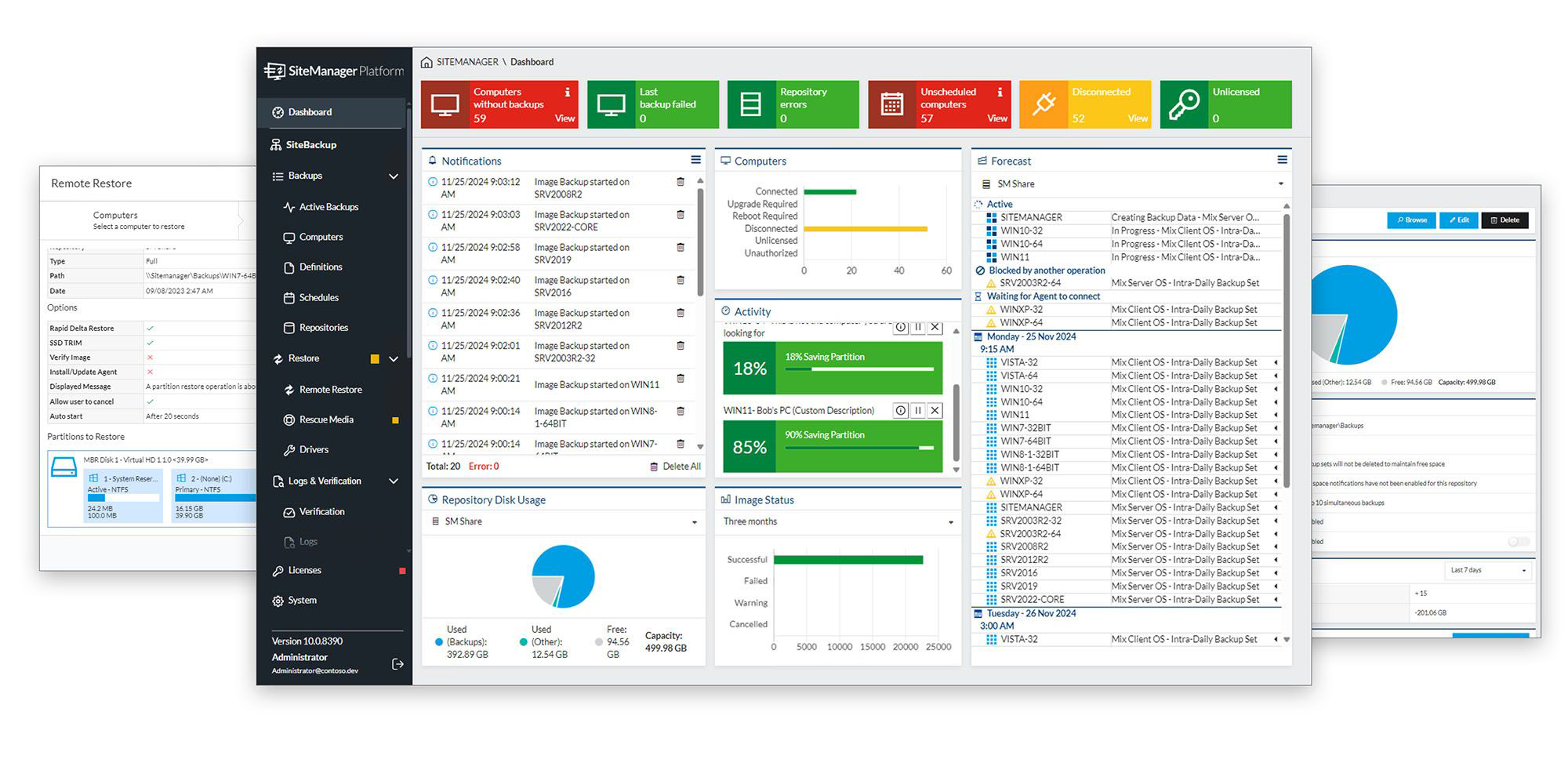
Macrium Deployment Kit centralized backup management dashboard showing backup jobs and agent status
Imaging Trusted by Industry Leaders

How does the Macrium Deployment Kit work?

Macrium deployment is powered by sophisticated backup technology but it makes setting up workstations and servers at scale simple. It works like this: Once you've purchased Macrium Deployment Kit, create the bootable rescue media by installing the software on a USB (this can be done by up to 5 technicians). Once you've done this you set up and image your "master" machine - this is what you then replicate across all your target workstations and servers. This image can then be saved to the USB devices set up with Macrium's bootable rescue media. Use your USB devices to restore your master image to as many machines as you like.

How does the License work?

The Macrium Deployment Kit USB is created via Macrium Reflect Server, therefore all purchases of Deployment Kit include 1 Macrium Reflect Server License valid for 5 concurrent installs* plus technical support. If you decide not to renew, your purchase will revert to a restore-only server license. Any backup images can still be restored to the original machine, but you will not be able to use the portable USB/ISO app, or deploy any images to new machines. Looking for a more efficient, scaled and automated way to deploy Golden Images, check out SiteDeploy.

Download Macrium Deployment Kit

It's easy to overlook the manual work required by IT administrators and technicians to set up and configure many different PCs or servers in a way that is consistent and secure. However, for a diverse range of industries it's absolutely essential. Effective and rapid deployment allows employees to simply focus on doing what they do best. That's where Macrium Deployment Kit comes in. Thanks to its portable application support, it allows you to create a "master" or "golden" image that can be easily deployed across an unlimited number of workstations and servers.

What about workstation and server backup?

The Macrium Reflect backup engine is used to image a single master or golden image - it doesn't provide protection to the workstations or servers you set up. You can also use the Deployment Kit for ad hoc backups of workstations and servers (ie. not scheduled). For scheduled backup protection across workstations or servers, you'll need to purchase standalone Macrium Reflect Workstation or Server licenses. If you need centralized backup for Enterprise systems you can use Macrium SiteBackup.


Portability

Deploy a master image to an unlimited number of workstations or servers.

Consistency

Replicate a system image at scale to ensure employees have access tools and resources.

Security

Protect your master image, and update and deploy safely and quickly whenever you need to.

Customer Testimonial

"One of Macrium’s best features has to be the speed. Suddenly even the largest images could be backed up and restored incredibly quickly, more than twice as fast as our previous supplier""

Loz Rimington IS Field Support, Severn Trent Water

Deployment Kit

  • One seat per workstation, server, or VM
  • Centralized management console
  • Offline activation supported
  • Premium business support included

Talk to a Macrium Specialist

Whether you're planning a new backup strategy or improving an existing one, our specialists can help you determine the right approach for your environment.

We'll help you:

  • Licensed in sets of 5 technician seats to perform unlimited golden image deployment
  • Easy-to-use USB image deployment
  • Supports offline and air-gapped OS deployment. Connection required for activation
Sales & Technical Support


Ready to experience Macrium Deployment Kit?